Metrics
CPU with the load per core, memory, disk, network, battery, GPU where the Mac reports it, thermals, and uptime, all in color.
Closed, it is the camera housing and nothing more. Point at it and a lip lights up. Click it and a bright panel of metrics, music, apps, and controls opens.
HappyNotch turns the camera housing on your Mac into a small, bright control panel. Closed, it is the housing and nothing more. Point at it and a lip of light slides out. Click it, or press Control-Option-N, and the panel opens.
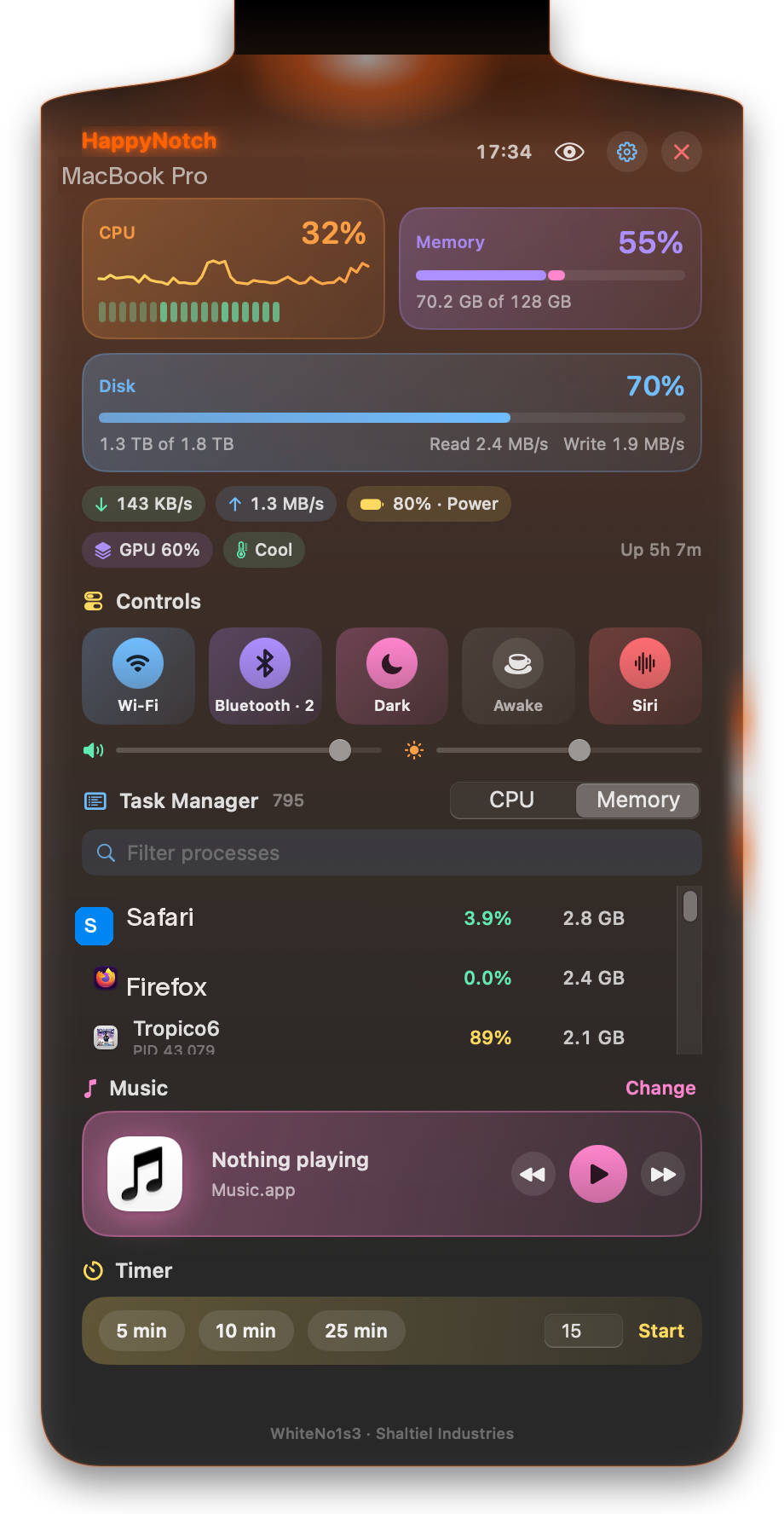
CPU with the load per core, memory, disk, network, battery, GPU where the Mac reports it, thermals, and uptime, all in color.
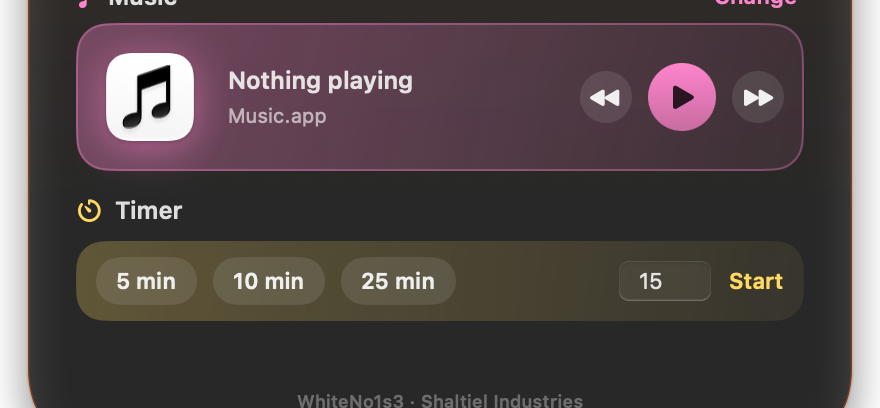
The album art, an equalizer while it plays, a progress bar you can seek on, and previous, play, and next. Works with Music and Spotify, and the card takes its color from the art.
The apps running on your Mac with their CPU and memory, sorted by either and filtered by name. It reads nothing until you allow it, and Settings turns it off again.
Drop apps, files, and folders onto the notch and they live on a shelf under it.
Wi-Fi, Bluetooth with the connected devices, Dark mode, Keep awake, Siri, and a volume slider.
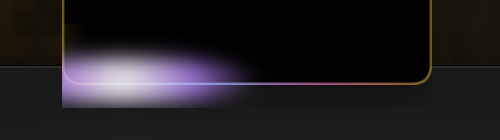
Five patterns, Steady, Sweep, Rainbow, Disco, and Aurora, in your color or the rainbow, around the lip and the open panel, with width and strength to taste. It is Core Animation, so it costs the app nothing per frame.
Made for Macs with a notch on Apple silicon; on a Mac without one it is a pill at the top of the screen. Requires macOS 14 or later.